Luxforge · work printsapa.jpg, in six layers
A fast, free photo editor you can take apart.
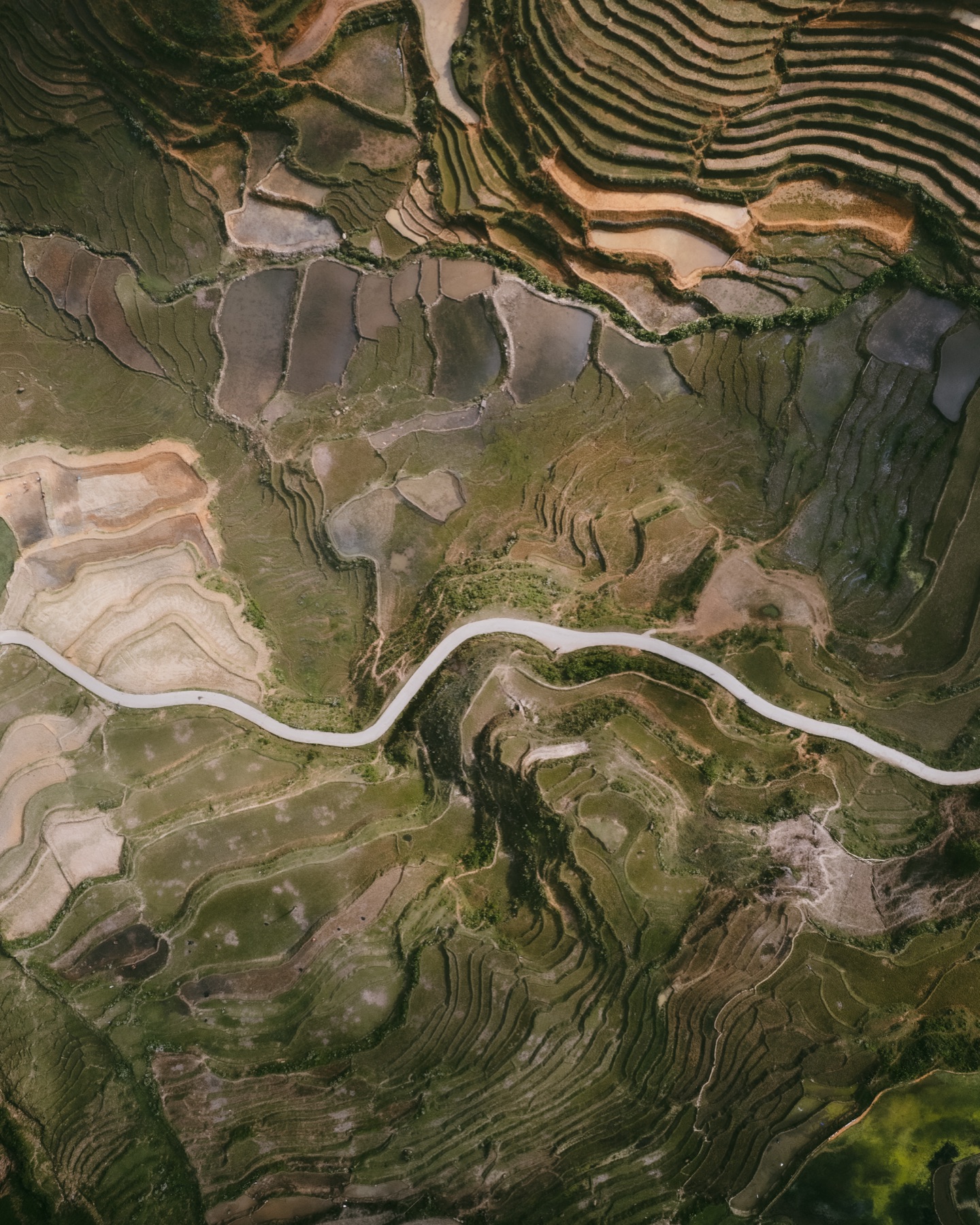 0Original ·
 catalog.import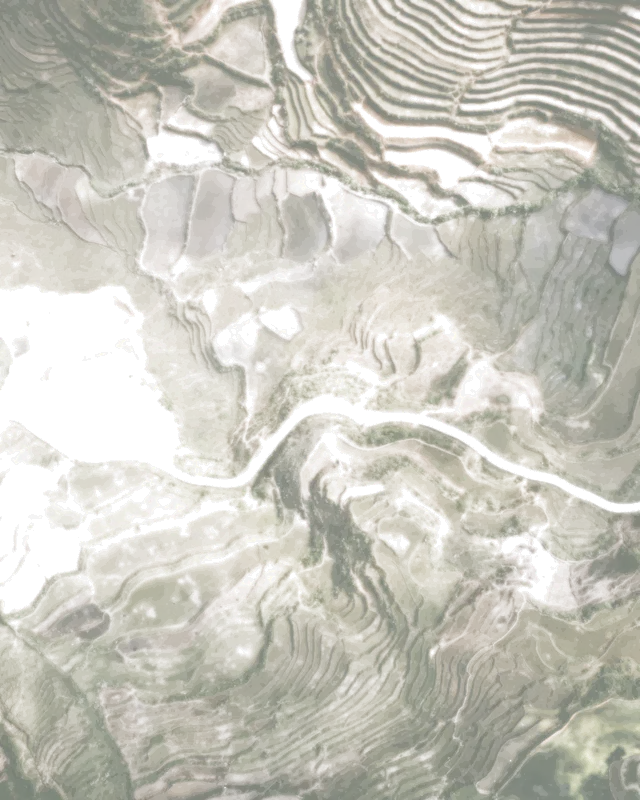 1Basic ·
 edit.set-basic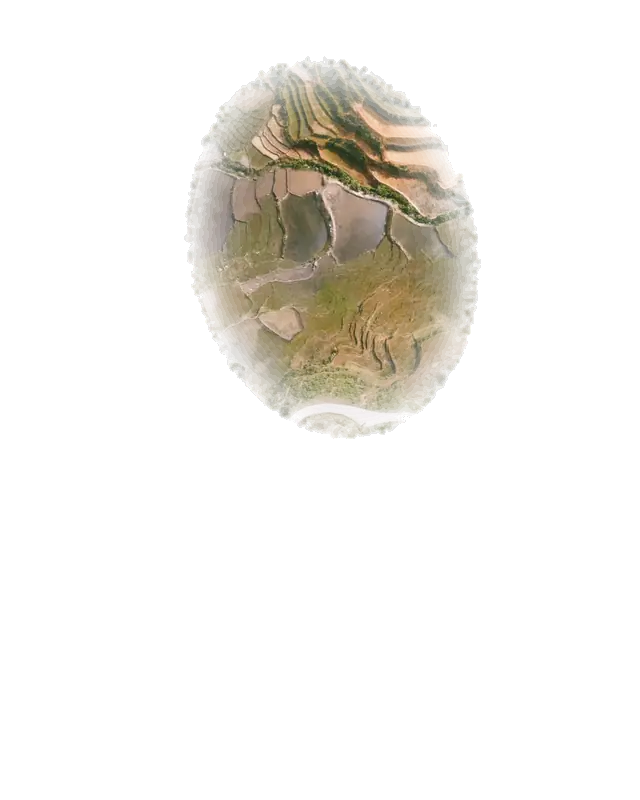 2Basic · Mask ·
 edit.set-basic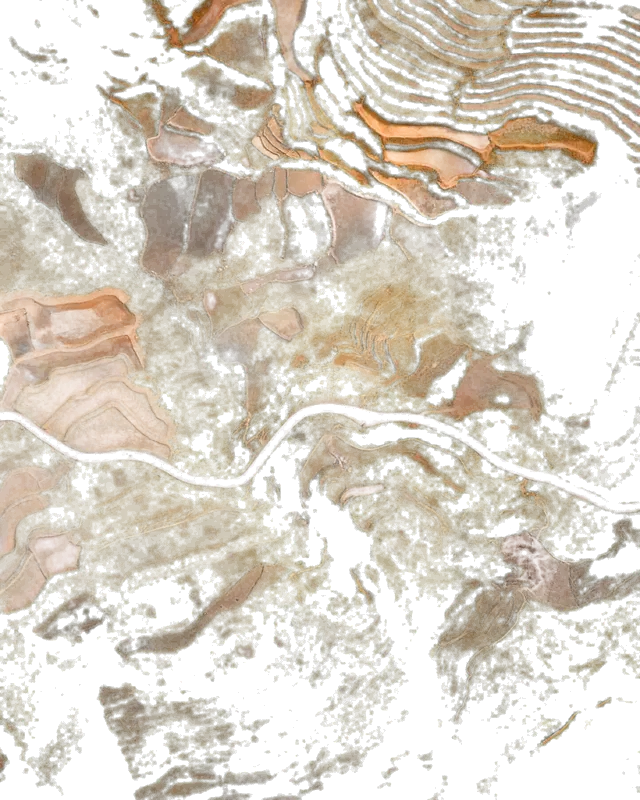 3Colour mixer ·
 edit.set-mixer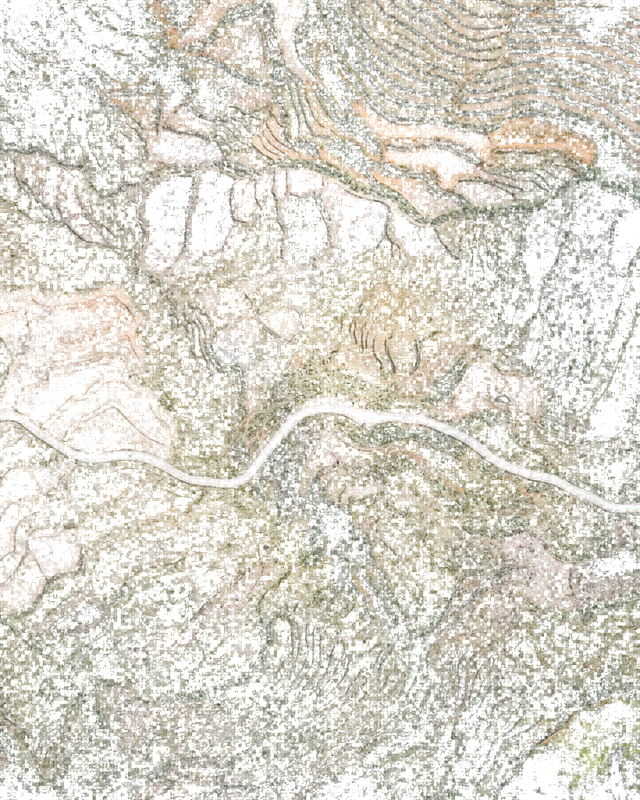 4Presence ·
 edit.set-presence 5Presence · Mask ·
 edit.set-presence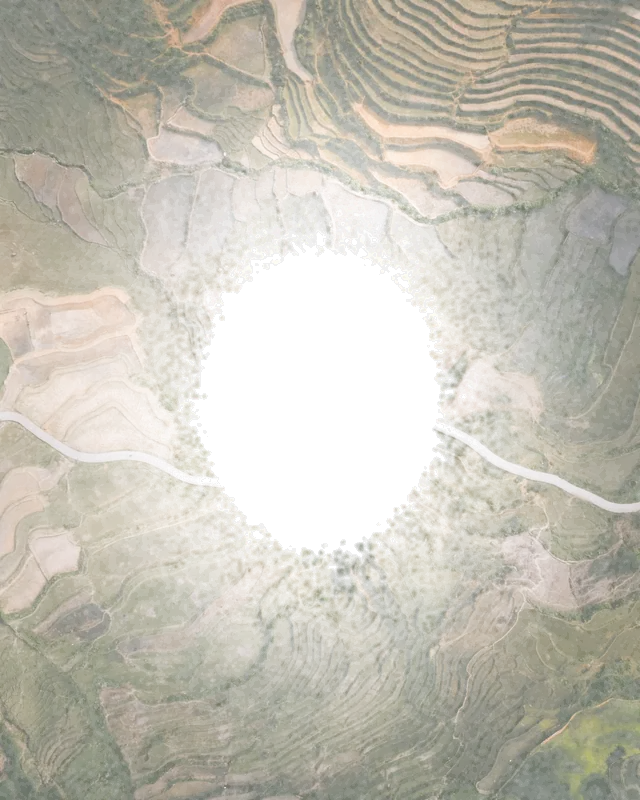 6Vignette ·
 edit.set-vignette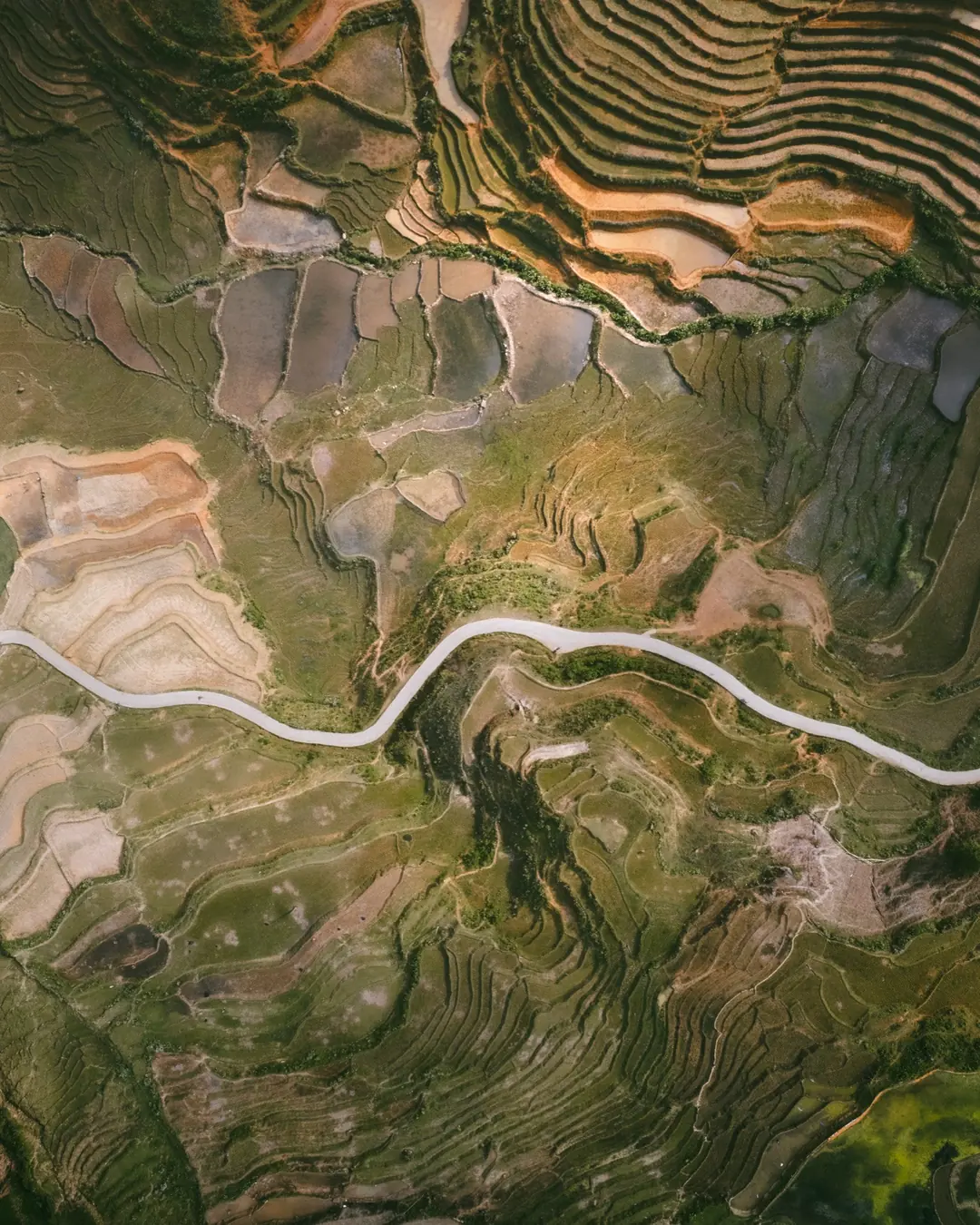
The finished print, as Luxforge exported it.
Luxforge is open source, written in Rust, for macOS, Windows and Linux. It is a high-performance, non-destructive editor driven by an API: every slider, brush and crop is a request, and scripts and AI agents can send the same ones.
The recipe · six layers
Work print, not for release. v0, with no download yet: build it from source. Verified on macOS first; Linux builds in CI; Windows comes later.
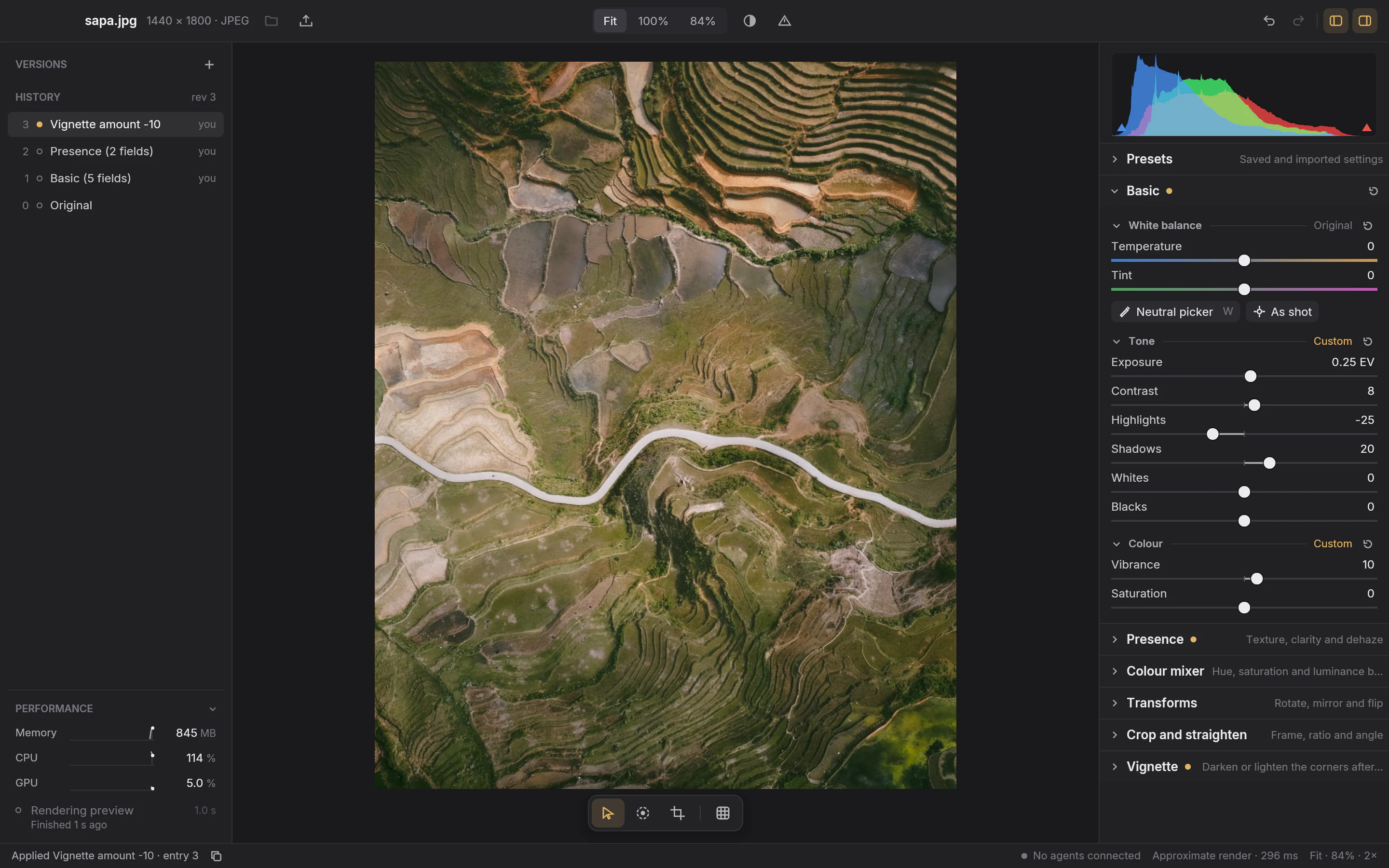
Plate I The editor today
- 1Every edit is kept in the history, so you can step back to any point or save it as a named version.
- 2Familiar Develop controls for white balance, tone and colour, with a live histogram and clipping warnings.
- 3The status bar says what just happened, and whether you’re seeing the quick preview or the exact render.
SpeedHow it keeps up
High-performance editing, accurate to the pixel.
Luxforge is written in Rust and renders each change in two steps: a quick preview sized to the screen, then a cancellable exact render. An exact render that a newer change makes stale is cancelled, not finished.
- 1Each change asks for a quick preview sized to the screen, so the picture follows your hand.
- 2Pause, and an exact render starts. Move again, and it is cancelled before it finishes.
- 3Stop, and the exact render follows. The status bar says which one is on screen.
One measurement, with its scope
Its own meters
resources.read.The printer’s logPeople and programs, one history
One history for you and your scripts.
Every change is an entry with its author’s name: you in the editor, agent · my-script from a program. Both land in the same history, and if a script’s edit arrives while you are dragging, your draft is kept.
Changed elsewhere
Another client committed revision 4 while your slider draft was open. Your slider draft is kept.
Discard draftReapply
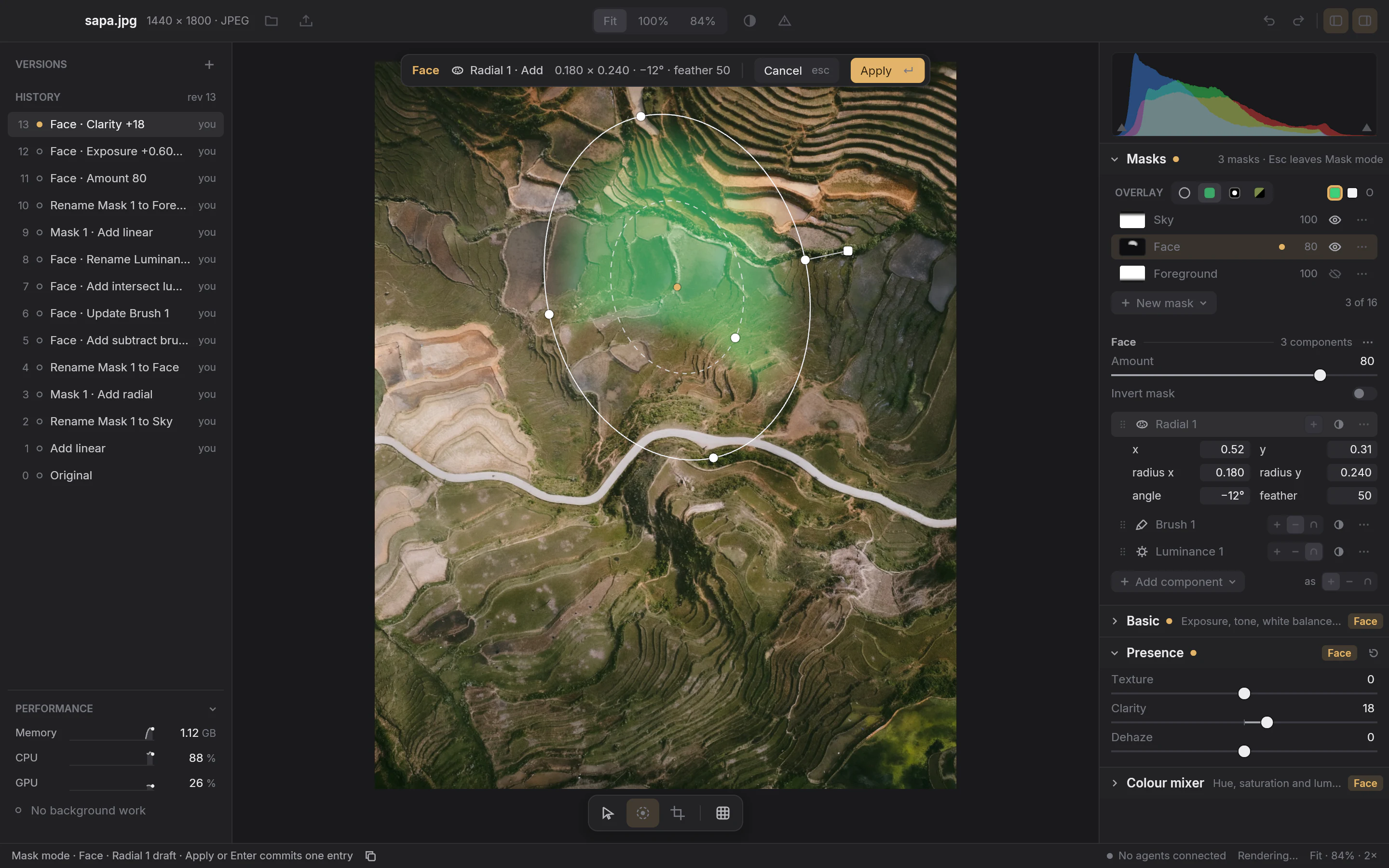
Plate II Mask mode
- 1The draft bar, 0.180 × 0.240 · −12° · feather 50: the same radial mask as plates 2 and 5.
- 2History at rev 13, every entry attributed to its author.
| Entry | History label | Who | Request |
|---|---|---|---|
| 5 | Restore entry 3you | you | |
| 4 | Exposure +0.50 EVagent · my-script | agent · my-script | |
| 3 | Vignette amount -10you | you | |
| 2 | Presence (2 fields)you | you | |
| 1 | Basic (5 fields)you | you | |
| 0 | Original |
Restore copies entry 3 into a new entry 5; entry 4 stays, and undo from 5 returns to it. † Illustrative; entries 0 to 3 are Plate I’s.
Entry 4 · the request
State of the printWhat works, what’s next
Where Luxforge stands
Fixed.Works today
- Non-destructive editingLayers, history, undo, restore and named versions. Nothing is deleted.
- RAWNikon Z6, Fujifilm X100VI and DJI Air 2S files, developed from sensor data.
- BasicWhite balance, exposure, tone and colour, each checked against an independent reference.
- Tone and colourA tone curve, Presence, an eight-range colour mixer and a vignette.
- Local masksGradients, brushes, luminance and colour ranges.
- GeometryCrop and straighten; rotate, mirror and flip with exact integer transforms.
- PresetsIncluding Lightroom Classic import.
- ExportAn exact JPEG of the saved edit, from JPEG or RAW originals.
- ProgrammableCopy as JSON request on every control;
luxforge-jsonfor scripts.
In the developer.Being built next
- RAW qualification107 models and 126 recording modes catalogued; qualification under way.
- MCP adapterSo agents can use the same operations.
- LibraryA multi-photo library, and relinking originals that have moved.
Latent.Proposed, not built
- Clone and HealProposals only.
- AI RemoveA proposal, not yet decided.
Make your own printBuild it from source
Make your own print.
There is no download yet. You’ll need Rust (the toolchain is pinned) and the platform prerequisites in the development guide.
git clone https://github.com/Willyham/luxforge.gitcd luxforgecargo xtask develop --open fixtures/s0/orientation-6.jpg
That builds an optimized editor and opens a sample photo. Point --open at any JPEG or supported RAW of your own.
Or from a script
cargo build --release -p luxforge-cli builds luxforge-json alone. Send it one request per line, starting with: